
What Is Natural Language Video Search and Why It Changes How You Use Your Cameras
If you have ever tried to find a specific moment in your video system, you already know the problem.
You scrub through hours of footage. You jump between cameras. You rely on timestamps and guesswork. And even then, you are not always confident you found what you needed.
That is exactly where Natural Language Video Search changes everything.
TL;DR: Natural Language Video Search allows you to find video footage by typing simple, real-world questions instead of manually scrubbing through cameras and timestamps. It works by using AI to analyze and index video so you can instantly locate specific people, vehicles, or behaviors across all cameras. The result is faster investigations, fewer missed details, and a shift from reactive video review to proactive, day-to-day use of your security system.Why Does Traditional Video Search Take So Long?
Most video systems were built around manual review.
You search by:
- Time and date
- Camera location
- Motion events
That works until something unexpected happens.
You are left asking questions like:
- Where did that person go after entering the building?
- When did that vehicle first show up?
- Did anyone access this area without PPE?
Traditional systems cannot answer those questions directly. They force you to translate real-world questions into filters and guesses.
That gap between how people think and how systems work is the root of the problem.
What Is Natural Language Video Search?
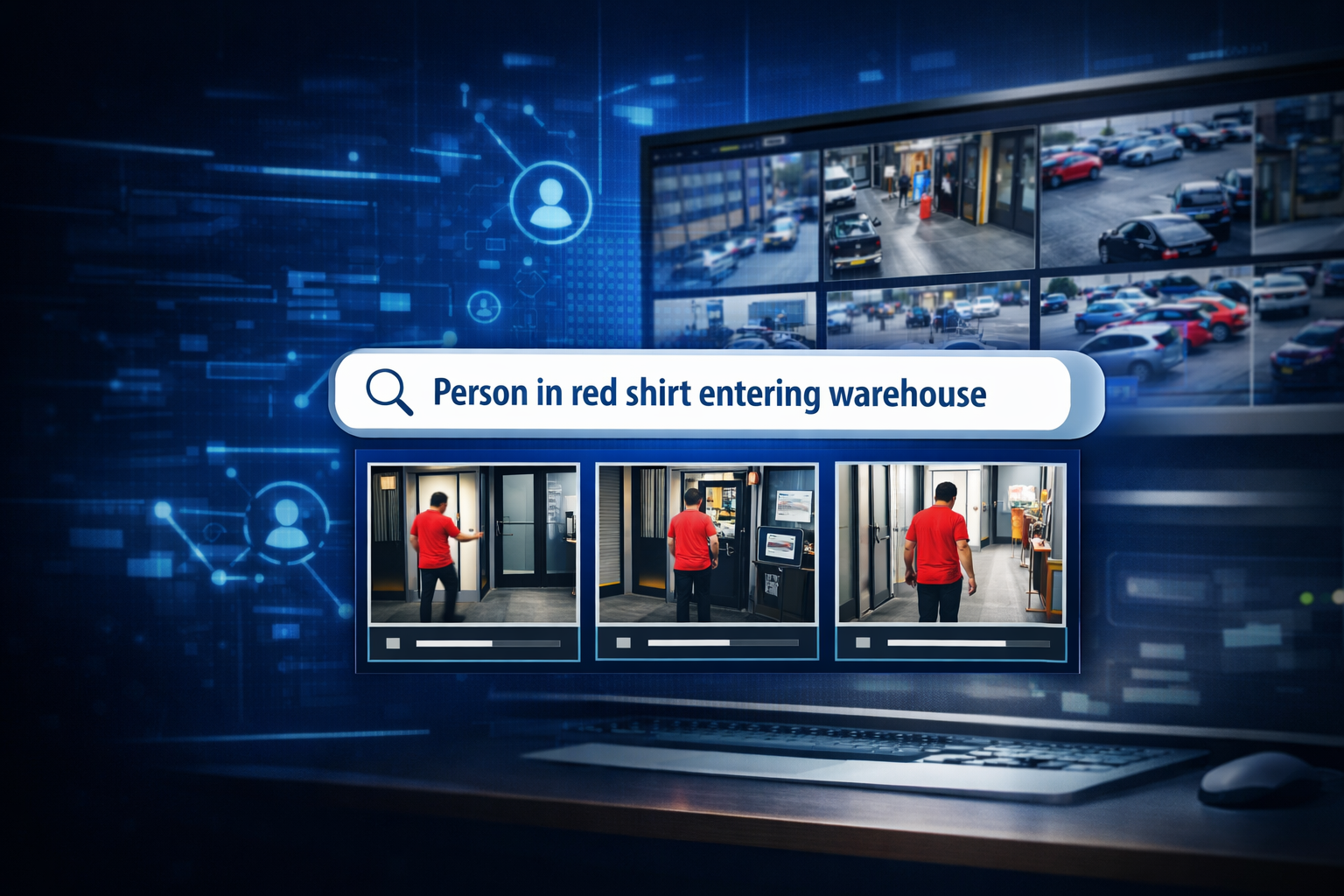
Natural Language Video Search allows you to search video the same way you would ask a person.
Instead of filtering by time and camera, you type or speak queries like:
- “Person wearing a red shirt entering the front door”
- “Forklift near loading dock between 2 and 4 PM”
- “Vehicle driving the wrong direction in parking lot”
The system uses AI video analytics to interpret that request and return relevant clips instantly.
Platforms like Verkada and Motorola Solutions (through Avigilon systems) are already deploying this capability inside modern video management systems.
This is not just faster search. It is a completely different way of interacting with your cameras.
How Does Natural Language Video Search Actually Work?
Behind the scenes, Natural Language Video Search relies on AI models that continuously analyze video footage.
These systems:
- Detect objects such as people, vehicles, and equipment
- Recognize attributes like color, direction, and behavior
- Tag and index video in real time
- Translate user queries into searchable data
When you type a question, the system matches it against indexed video data and surfaces relevant results.
The outcome is simple. You ask a question. The system shows you the answer.
No manual scrubbing. No guesswork.
What Problems Does Natural Language Video Search Solve?
This is where the impact becomes real.
1. Investigations That Used to Take Hours Now Take Minutes
Instead of reviewing multiple camera angles manually, teams can:
- Search across all cameras at once
- Filter by behavior or description
- Jump directly to relevant clips
2. Reduced Human Error
Manual review depends on attention and assumptions. That leads to missed details.
Natural Language Video Search:
- Surfaces events you may not think to look for
- Removes reliance on memory and guesswork
3. Better Use of Existing Cameras
Most organizations already have cameras. They just are not getting full value.
This technology turns passive recording into:
- Searchable data
- Actionable insights
- Faster decision-making
4. Cross-Functional Value Beyond Security
This is not just for security teams.
Operations, safety, and compliance teams can use it to:
- Review process breakdowns
- Identify safety violations like missing PPE
- Analyze traffic flow and bottlenecks
What Should You Look for in a Natural Language Video Search System?
Not all systems deliver the same results.
Here is a practical checklist to evaluate:
Checklist: Natural Language Video Search Capabilities
- Can it search across all cameras at once?
- Does it support real-world queries, not just keywords?
- How accurate are object and behavior detections?
- Is the interface simple enough for non-technical users?
- Does it integrate with your existing video system or require replacement?
- Can it scale across multiple facilities?
If the system still requires heavy filtering or technical input, it defeats the purpose.
The goal is simplicity and speed.
A Real Example of Natural Language Video Search in Action
A multi-site manufacturing operation came to Hoosier after repeated delays in incident investigations.
Their challenge was straightforward:
- Incidents were happening during shift changes
- Video existed, but finding the right footage took too long
- Investigations often stalled or produced incomplete answers
After implementing a system with Natural Language Video Search:
- Investigations dropped from hours to minutes
- Teams could search for “group entering during shift change” across all entrances
- Safety and operations leaders began using the system daily, not just after incidents
The biggest change was not just speed. It was adoption.
The system became something people actually used.
Why Does Natural Language Video Search Change How You Use Your Cameras?
Before this technology, cameras were mostly reactive.
You used them after something went wrong.
With Natural Language Video Search, cameras become proactive tools.
You can:
- Identify patterns before they become problems
- Audit operations without pulling full footage
- Answer questions in real time
This shifts video from a passive recording system to an active decision-making tool.
That is a fundamental change in how security systems deliver value.
FAQ
Q: Is Natural Language Video Search accurate enough to rely on?
A: Accuracy depends on the quality of the AI model and camera placement. Leading platforms have reached a point where results are highly reliable for common objects and behaviors. Proper system design still matters.
Q: Do I need to replace my current cameras?
A: Not always. Some platforms can integrate with existing infrastructure, while others require newer hardware to fully support advanced analytics. A system evaluation will determine what makes sense.
Q: Who benefits most from Natural Language Video Search?
A: Security teams, operations leaders, safety managers, and IT teams all benefit. Any role that relies on video for answers will see immediate improvements.
Q: Is this difficult for teams to learn?
A: No. The entire advantage is simplicity. If someone can type a question, they can use the system.
Q: How is this different from traditional video analytics?
A: Traditional analytics require predefined rules. Natural Language Video Search allows flexible, on-demand queries without pre-configuring every scenario.
Stop Searching Through Footage. Start Getting Answers.
If your team is still scrubbing through footage to find answers, your system is holding you back.
The best way to understand Natural Language Video Search is to see it in action.
Schedule a visit to the Hoosier Security Experience Center and test it with real-world scenarios. Or connect with a Hoosier advisor to evaluate how your current system performs.
Your cameras are already capturing the data.
Now it is time to actually use it.