TL;DR: Holiday closures change the way your property operates, and your security system needs to change with it. Before an extended shutdown, verify access schedules, remove unnecessary credentials, confirm who receives alerts, test cameras and alarms, account for deliveries and outdoor assets, notify your monitoring provider, and run a final system test. A security system that works during a normal Tuesday may not be configured correctly for four quiet days over Thanksgiving or a week between Christmas and New Year’s. The holidays create an unusual operating environment for commercial properties.
People who normally arrive at 6 a.m. are gone. Doors that open automatically every weekday should stay locked. Deliveries may still arrive even though the receiving team is home. Managers travel. Vendors work on different schedules. Parking lots and loading areas that normally have steady activity can sit empty for days.
None of those changes necessarily mean your security system is inadequate.
The problem is that many organizations configure their cameras, access control, alarms, notifications, and monitoring procedures around normal operations and then forget to adjust them when normal operations stop.
A good holiday business security plan accounts for those temporary changes before the last employee locks the door.
1. Have Your Holiday Access Schedules Actually Been Updated?
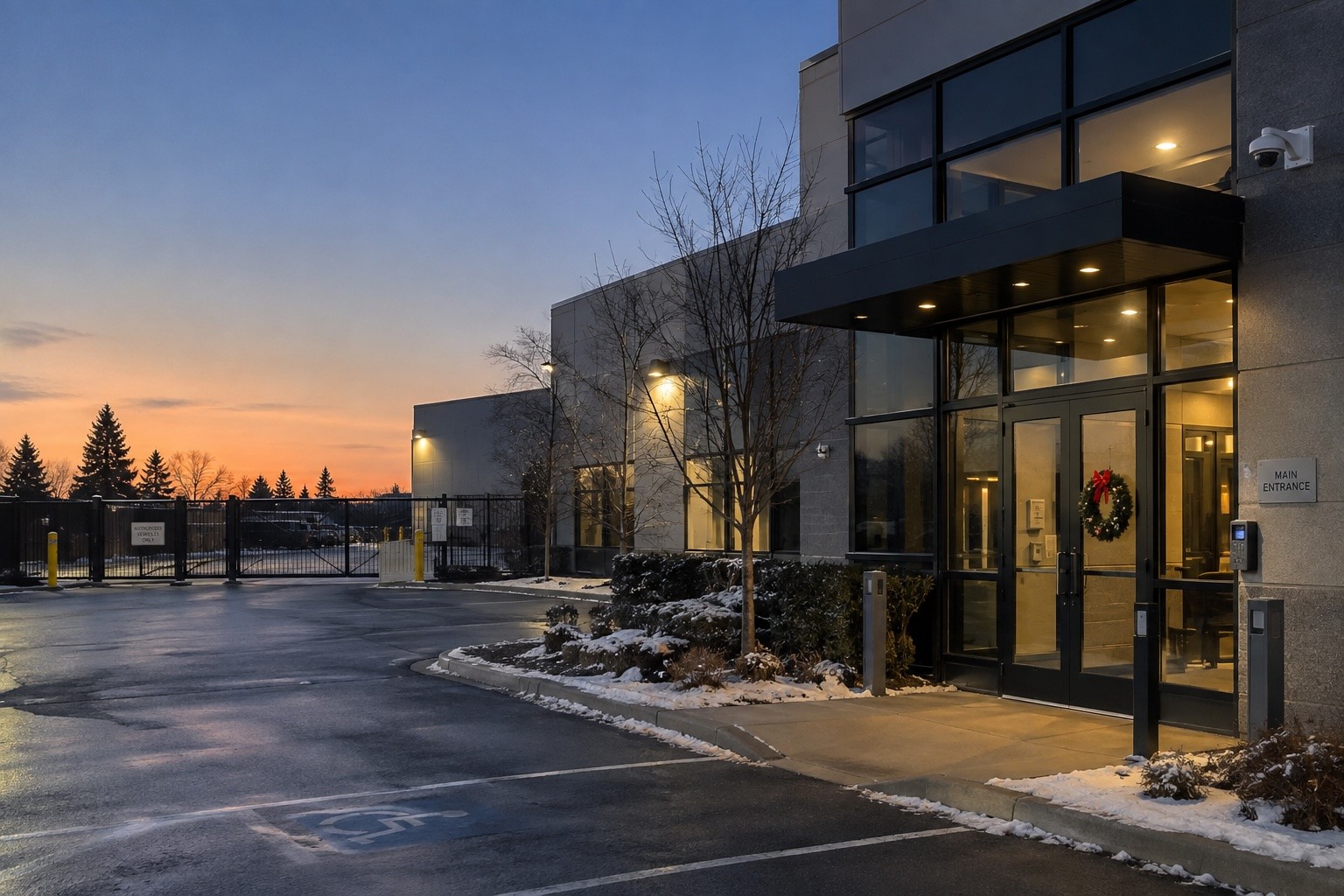
Electronic access control makes it easy to automate when doors unlock, but automation can create a problem when the calendar changes.
A door programmed to unlock at 7:00 a.m. every Monday may still do exactly that on the Monday after Christmas, even when nobody is supposed to be there.
Before a holiday closure, review scheduled unlock and lock events for:
- Main employee entrances
- Office entrances
- Loading docks
- Warehouse doors
- Tenant or shared entrances
- Interior restricted areas
- Vehicle gates
- Vendor or contractor access points
Pay particular attention to recurring schedules. Thanksgiving, Christmas, New Year’s Day, and company-specific shutdown days may need to be entered as exceptions rather than relying on the system’s standard weekly programming.
For multi-site organizations, check each facility individually. Different locations may have different holiday hours, production schedules, tenant requirements, or local teams working during the closure.
The goal is simple: a door should not unlock just because the calendar says Monday.
2. Who Still Has Access That Shouldn't?
The end of the year is also a good time to look at who can still enter the building.
Credential lists tend to grow quietly. Employees leave. Contractors finish projects. Temporary workers move on. Vendors receive access for a specific job. Seasonal employees may only need credentials for a few weeks.
Those permissions are easy to forget when daily operations are busy.
Before an extended closure, review active credentials and ask:
- Do former employees still have active cards, fobs, PINs, or mobile credentials?
- Do temporary or seasonal employees still need access?
- Are old contractor credentials active?
- Do vendors have broader access than they need?
- Are there credentials that have not been used in months?
- Are shared PIN codes still in circulation?
This is not about assuming someone intends to misuse access. It is about reducing unnecessary permissions when fewer people are around to notice something unusual.
Modern access control platforms can make credential management much easier, particularly when permissions can be changed remotely or assigned according to schedules and groups. But the technology only helps when someone reviews the data.
3. Who Receives an Alert When Everyone Else Is on Vacation?
An alarm can work perfectly and still fail operationally if the notification goes to someone who does not see it.
Holiday schedules are notorious for creating this problem.
The facilities director is traveling. The operations manager turns off work notifications. An executive is listed as the secondary contact but is three states away. An old employee may still be somewhere on the escalation list.
Before closing the building, determine exactly what happens when something triggers at 2:17 a.m. on December 26.
Confirm:
- Primary alarm contacts
- Backup contacts
- Phone numbers
- Email addresses
- App notification permissions
- Escalation order
- Who has authority to respond
- Who can remotely access the security system
- Who can physically reach the property when necessary
Do not simply confirm that “someone gets alerts.” Follow the notification path from the system all the way to the person expected to act.
Your security technology detects the event. Your response plan determines what happens next.
4. Are Your Cameras, Alarms, Gates, and Exterior Lights Actually Working?
The afternoon before a long weekend is a bad time to discover that a camera has been offline for three weeks.
Holiday closures make existing equipment problems more important because normal human activity disappears. There are fewer employees walking past a damaged gate, noticing a dark section of the parking lot, or reporting that a door is not latching correctly.
Before everyone leaves, physically check the systems you expect to protect the property.
Your pre-closure inspection should include:
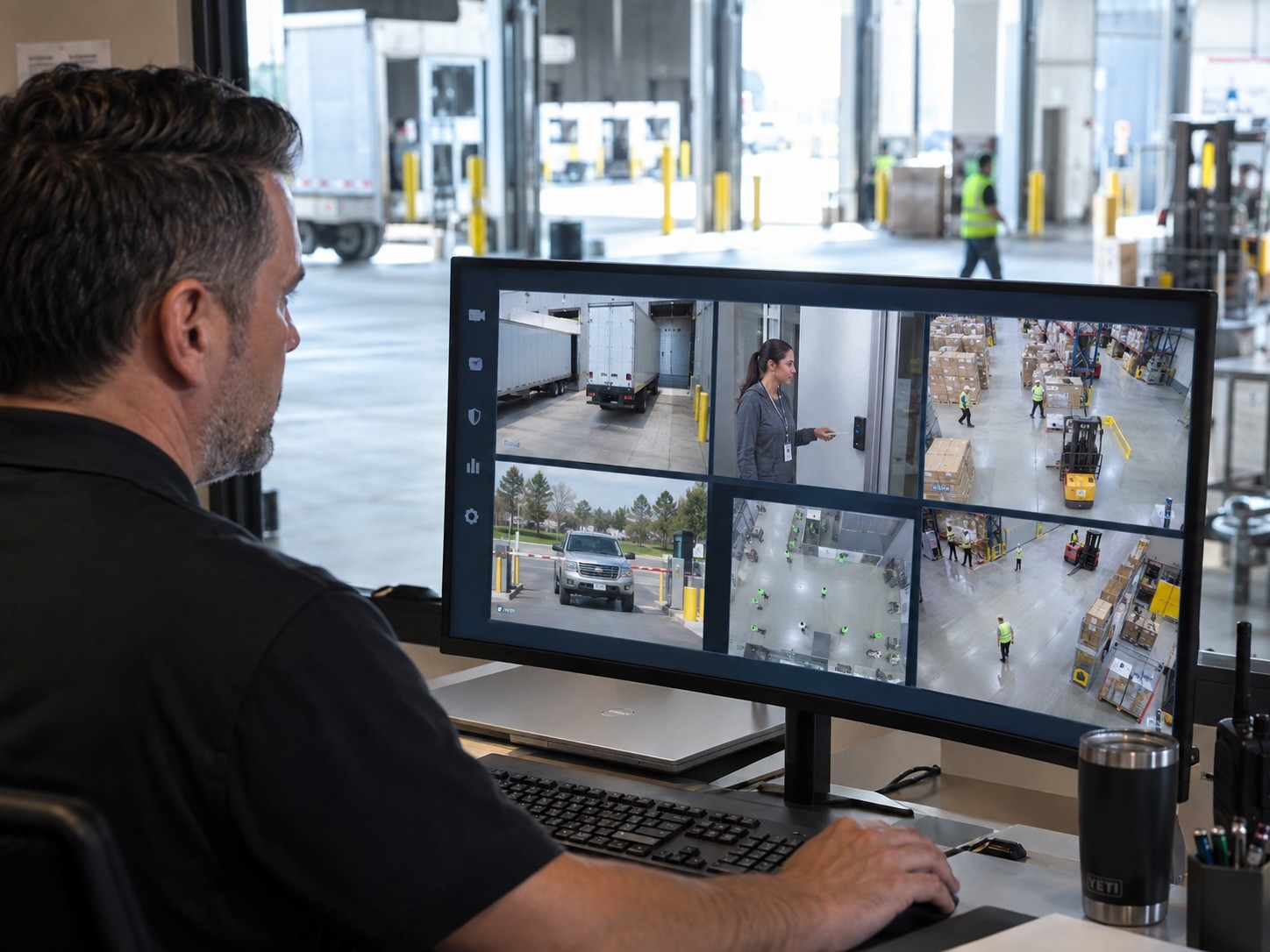
- Confirm cameras are online and recording
- Check live views from important exterior and interior cameras
- Verify camera views have not been blocked by decorations, stored materials, vehicles, or seasonal changes
- Test intrusion alarm sensors
- Confirm exterior doors close and latch completely
- Check gates and gate operators
- Verify card readers and electronic locks
- Inspect exterior lighting
- Check backup power where applicable
- Confirm remote access to security platforms
- Investigate system trouble or offline-device notifications
Do not confuse “the system hasn’t generated an error” with “the system has been tested.”
There is a difference between assuming a camera is recording and pulling up the camera, reviewing footage, and confirming it.
5. Have Holiday Deliveries or Outdoor Assets Changed the Property?
A closed facility does not necessarily mean an inactive property.
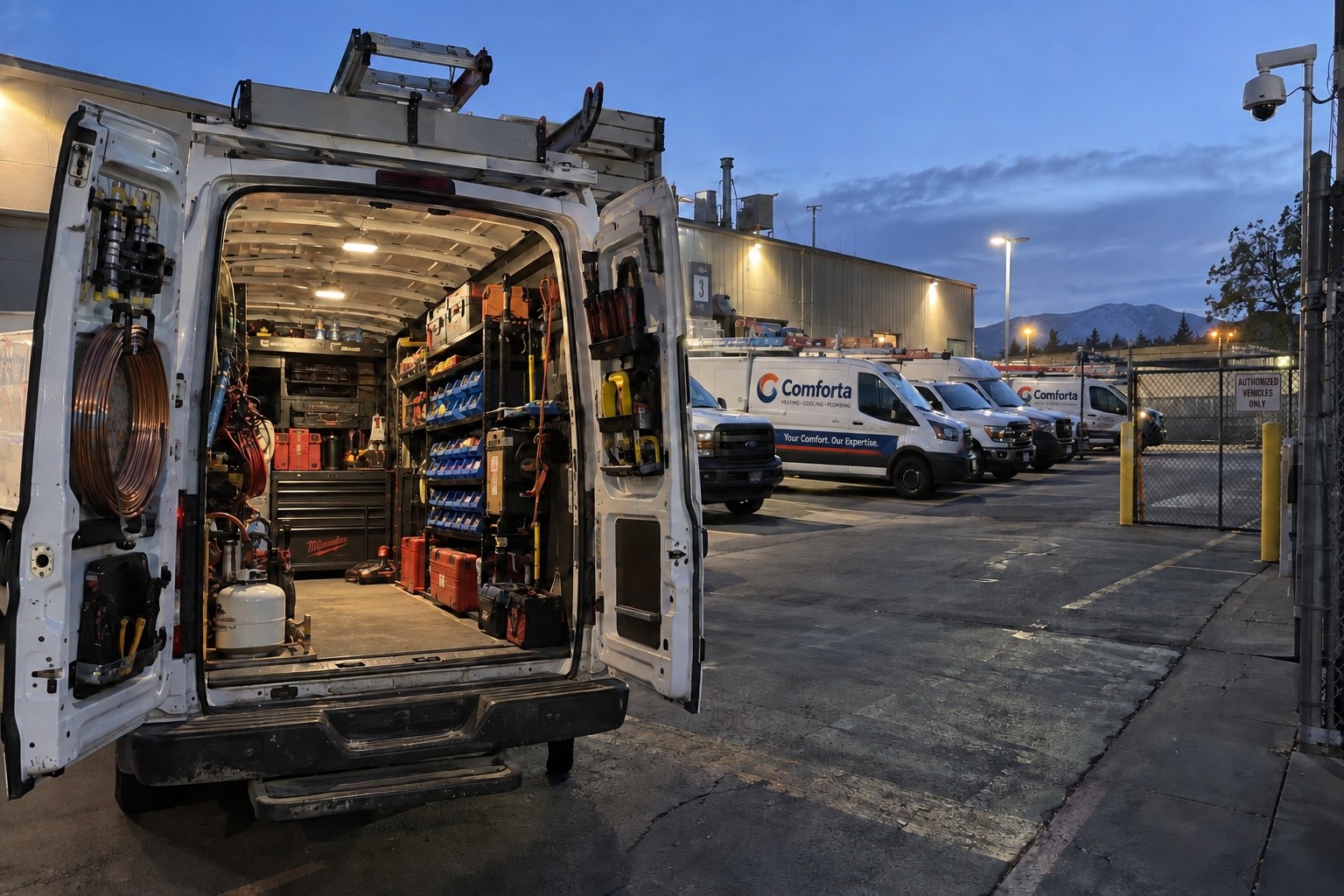
Packages still arrive. Freight may be dropped early. Equipment may be parked outside instead of being used throughout the day. Fleet vehicles can remain in the same spaces longer than usual. Construction materials, pallets, trailers, or other assets may be temporarily stored in areas that are normally clear.
Walk the exterior of the property before closing and look at it as it will exist during the shutdown, not as it normally looks during business hours.
Ask:
- Are deliveries scheduled while the building is closed?
- Where will those deliveries be left?
- Will packages be visible from public areas?
- Are trailers, fleet vehicles, tools, or equipment remaining outside?
- Has temporary inventory been placed outside normal camera coverage?
- Are dumpsters, pallets, trailers, or materials creating new hiding places?
- Have holiday decorations or temporary structures blocked camera views?
- Will snow removal, maintenance, cleaning, or other vendors need access?
This is one of the easiest holiday security gaps to overlook because the security system may not have changed at all.
The property changed around it.
6. Does Your Monitoring Provider Know You're Closed?
Your monitoring provider should not have to guess whether activity at your property is expected.
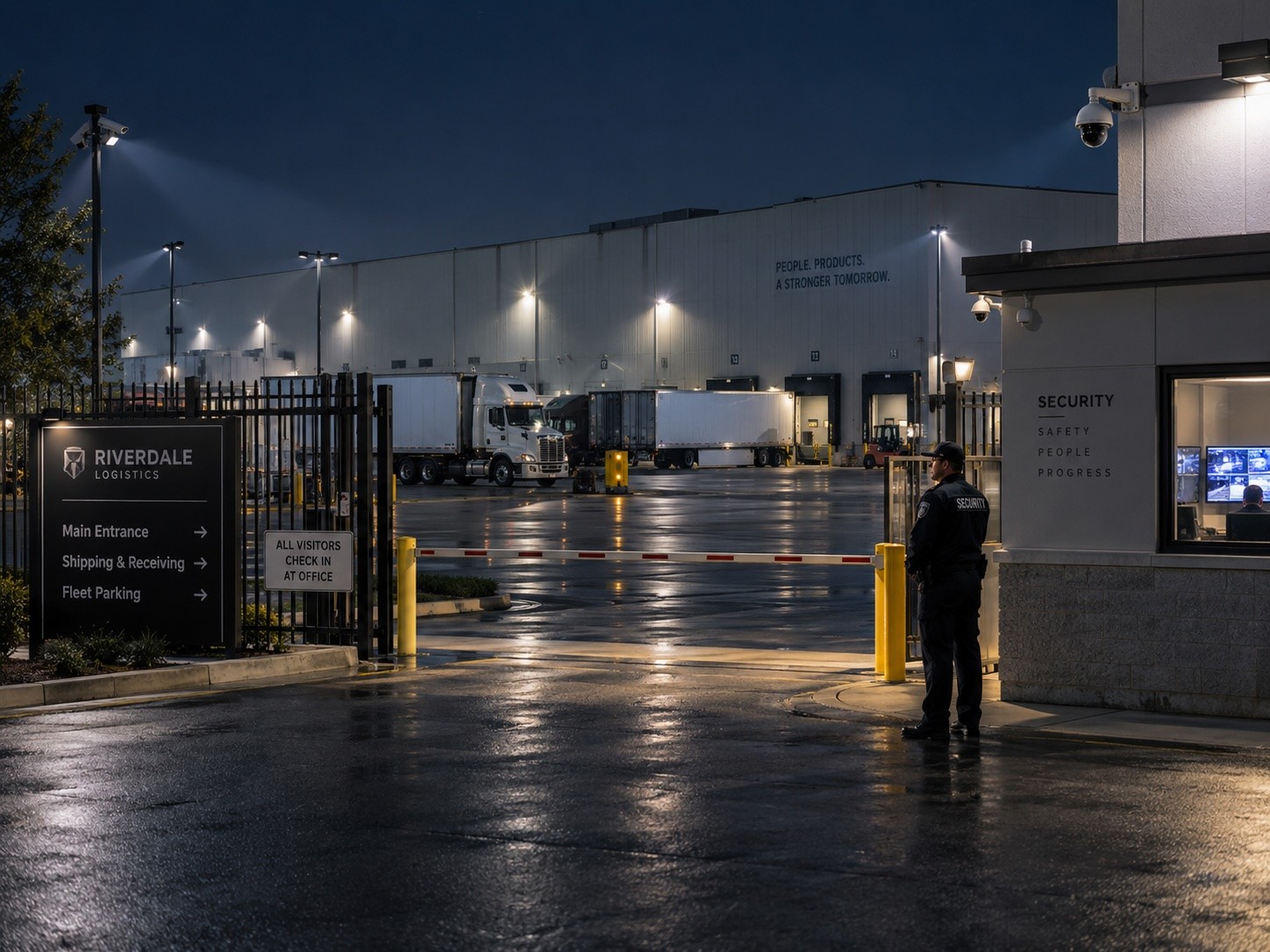
Businesses frequently change hours during Thanksgiving week, Christmas week, and the days surrounding New Year’s. Manufacturing facilities may shut down production. Offices may close entirely. Warehouses may operate with a skeleton crew. Some properties allow cleaning crews, maintenance teams, or contractors into the building while normal staff are gone.
Make sure the people responsible for monitoring alarms understand those changes.
Provide the appropriate information about:
- Closure dates
- Modified operating hours
- Authorized holiday activity
- Temporary vendors or contractors
- Updated call lists
- Changes to opening and closing procedures
- Special instructions for alarm events
This matters because context helps distinguish expected activity from something that deserves attention.
It also reduces confusion when an authorized employee enters a building at an unusual time or a contractor arrives during a period when the facility would normally be occupied.
7. Has Anyone Tested the Whole System Before Shutdown?
This is the step that brings everything together.
Do not make your holiday security check a paperwork exercise.
Someone should test the system while there is still time to correct a problem.
That could mean arming the alarm and testing an appropriate sensor, presenting a credential at a controlled door, verifying a holiday access schedule, reviewing camera playback, confirming remote access, or making sure the correct person actually receives a test notification.
The exact procedure will depend on your system and monitoring arrangement, but you are trying to answer one question: If something happens while this building is empty, will the system behave the way we think it will?
A test performed on Wednesday is much more useful than discovering a problem on Christmas morning.
A 15-Minute Holiday Business Security Checklist
Before the last person leaves, assign someone responsibility for completing a final check:
- Access schedules: Confirm holiday exceptions and automatic door schedules.
- Credentials: Disable unnecessary former, temporary, seasonal, and vendor access.
- Contacts: Verify primary and backup notification recipients.
- Equipment: Check cameras, alarms, doors, gates, readers, and exterior lighting.
- Property conditions: Review deliveries, fleet vehicles, outdoor equipment, inventory, and temporary obstructions.
- Monitoring: Confirm your monitoring provider has updated closure hours and contacts.
- Testing: Test the systems and notifications you will depend on while the property is empty.
Keep a record of who completed the check and when.
For organizations with multiple locations, use the same checklist at every property rather than assuming individual sites have handled it.
Holiday Security Is Really Change Management
Most holiday security failures are not caused by a completely missing security system.
They happen in the space between how the property normally operates and how it operates during the closure.
A recurring door schedule was never changed.
An old credential remained active.
An alert went to someone on vacation.
A loading dock camera had stopped recording.
A delivery arrived with nobody there to receive it.
A monitoring center was working from an outdated contact list.
None of those problems requires an exotic security technology to understand. They require someone to recognize that the operating environment has temporarily changed and verify that the security system has changed with it.
That is what a useful holiday business security plan should accomplish.
FAQ: Holiday Business Security
How early should a business check its security system before a holiday closure?
Ideally, complete the main inspection several business days before the closure. That provides time to repair equipment, update access schedules, change notification lists, or coordinate with a monitoring provider. Perform a shorter final check before the last employee leaves.
Should access control schedules be changed for holidays?
Yes. Review automatic unlock schedules and access permissions for any day the facility will operate differently from normal. Holiday exceptions can help prevent doors from automatically unlocking simply because they follow a normal weekday schedule.
Should employee credentials be reviewed before an extended closure?
It is a good practice. Check for credentials belonging to former employees, seasonal staff, temporary workers, contractors, and vendors who no longer require access. Also review shared PINs and credentials that have not been used recently.
What security equipment should be tested before a business closes for the holidays?
At minimum, verify critical cameras are recording, alarms can arm correctly, exterior doors latch, access readers work, gates operate properly, exterior lighting functions, and remote access is available to the people responsible for the property.
Should I tell my alarm or monitoring company that the business will be closed?
Yes. Confirm your holiday operating schedule, current emergency contacts, authorized activity, and any special instructions with your monitoring provider. Procedures vary by provider, so ask what information they need before the closure begins.
What is the biggest security mistake businesses make before an extended holiday closure?
One of the biggest mistakes is assuming a system configured for normal operations will automatically behave correctly during abnormal operations. Holiday closures change schedules, staffing, access, deliveries, and response availability. Those changes need to be reviewed intentionally.
Before You Lock the Door for the Holidays, Know Your System Is Ready
The point of a holiday security check is not to add another complicated procedure before everyone goes home.
It is to find the small problems that become much bigger when a building sits empty for several days.
If you are not confident that your cameras, alarms, access control, gates, or notification procedures are ready for an extended closure, have them checked before the holiday shutdown begins.
Call Hoosier Security at 317-644-0570 to schedule a Site Security Walkthrough. We can help identify gaps, verify that critical security systems are functioning properly, and determine what needs attention before your property sits empty.