TL;DR: Your cameras and access control system may already be collecting useful security data about deliveries, vehicle movement, occupancy, access patterns, workplace incidents, and operational bottlenecks. When that information is accessible and connected, the same system protecting your property can also help operations, facilities, HR, and safety teams answer everyday business questions, resolve disputes faster, and identify inefficiencies. Most businesses think about their security system in one context: documenting what happened when an incident is reported.
That is an important job for the system, but it is not the only one.
Modern cameras, access control systems, license plate recognition, visitor management platforms, and other connected security technologies generate a steady stream of information about what is happening across your property.
The question is whether your organization is using any of it.
Security data can help answer operational questions that have nothing to do with catching a criminal. In the right environment, it can help verify deliveries, understand how buildings are being used, resolve workplace disputes, identify process bottlenecks, and reveal patterns that would otherwise be difficult to see.
That changes the ROI conversation considerably.
What Kind of Security Data Is Your System Already Collecting?
Depending on your technology, your security system may already capture information such as:
- When people enter or leave specific areas
- Which credentials are used at specific doors
- When vehicles arrive and leave
- Which license plates regularly enter a property
- How many people occupy a space at different times
- How people or vehicles move through a facility
- When deliveries arrive at gates or loading docks
- How long activity remains in a particular area
- Door-held-open, denied-access, or forced-door events
- Video associated with an access event
- Visitor and contractor activity
- Patterns that repeat by hour, day, shift, or location
The value is not the raw data by itself.
The value comes from asking better questions of it.
1. Can Security Data Help Verify Deliveries and Vehicle Movement?
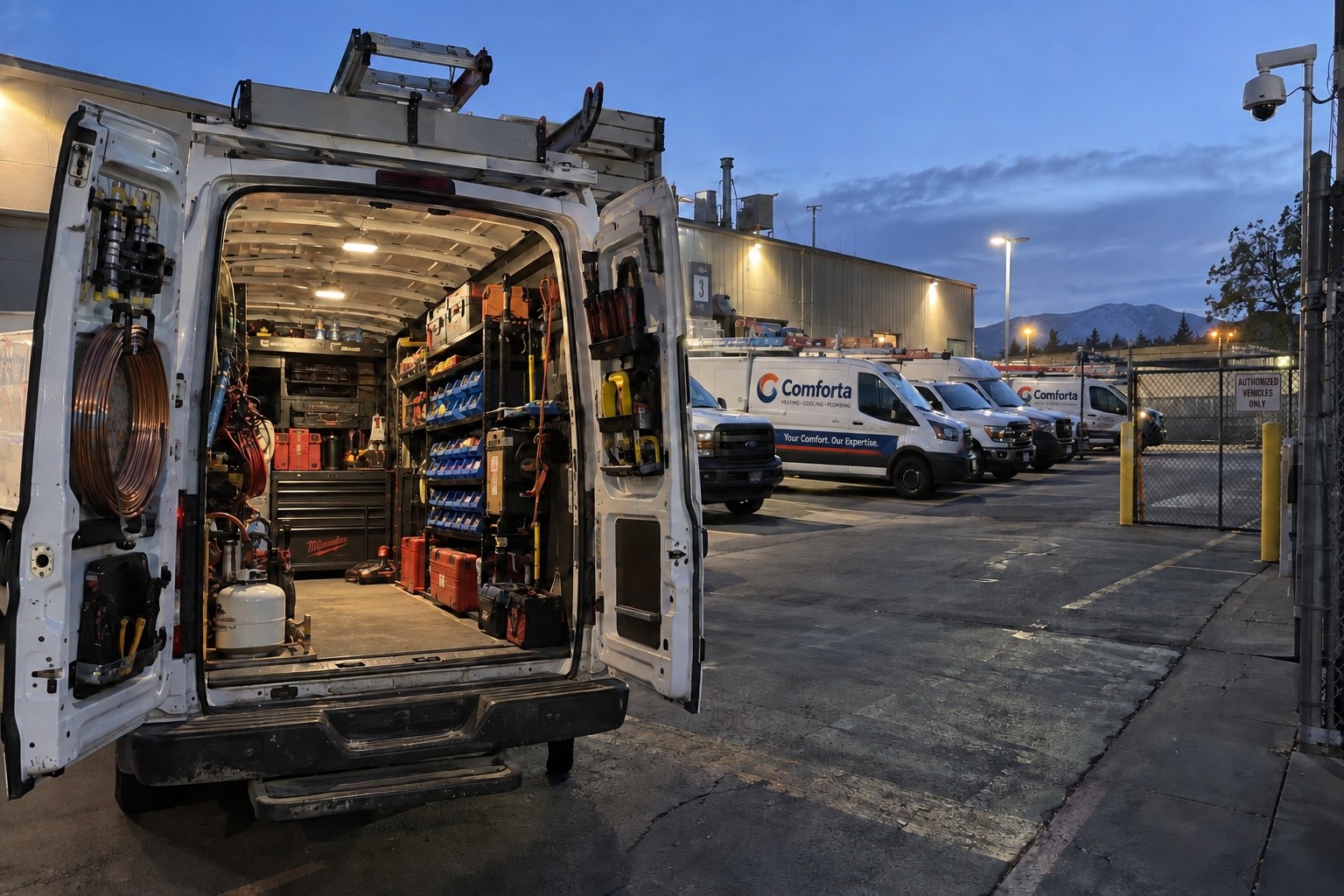
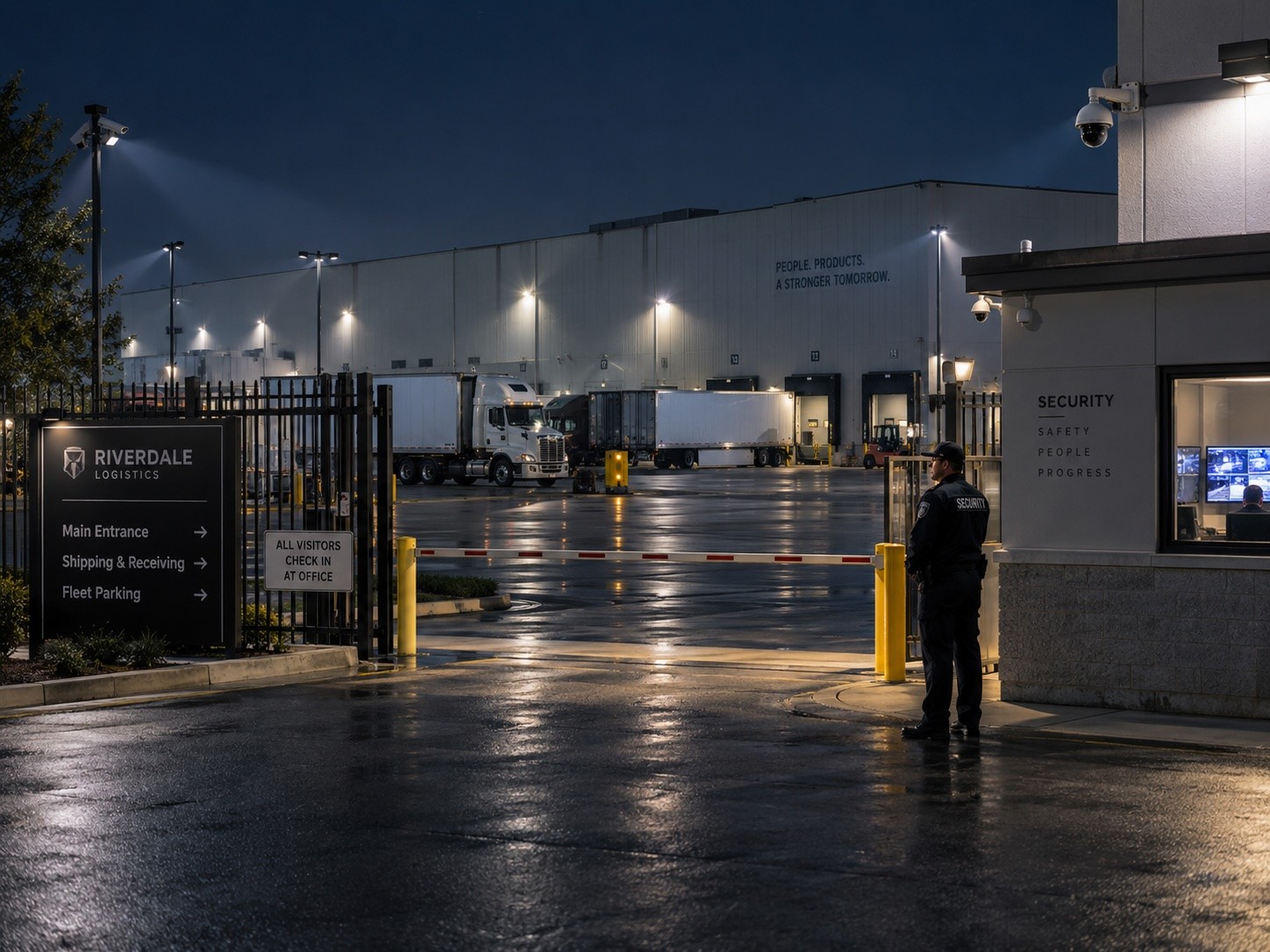
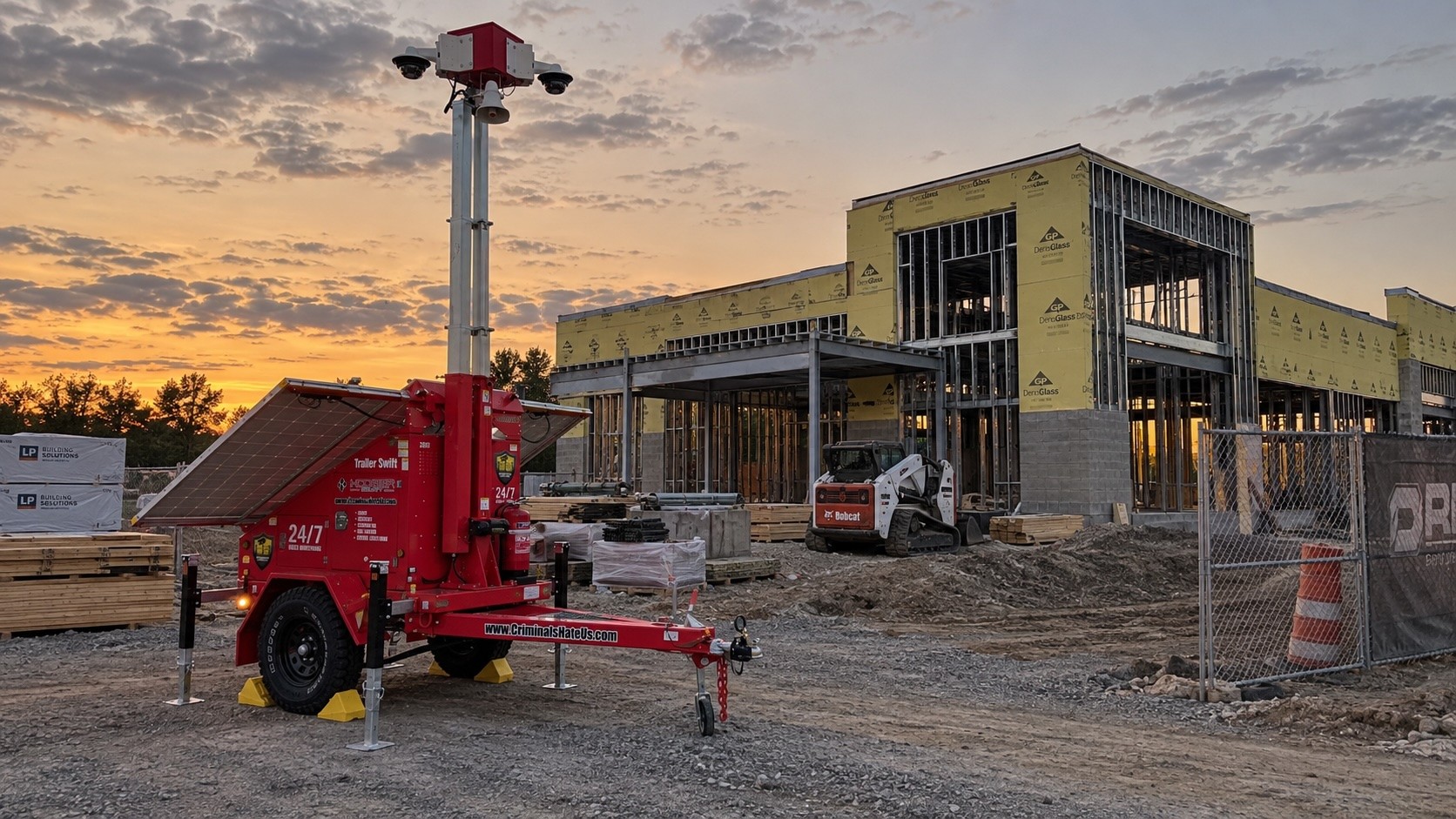
Yes, particularly for businesses with loading docks, fleet yards, gated properties, warehouses, construction areas, or frequent vendor traffic.
Consider a simple dispute.
A vendor says a delivery arrived at 6:42 a.m. Operations says the truck was not at the dock until after 7:15. The receiving paperwork is incomplete, and nobody remembers exactly what happened.
A properly positioned video system may answer the question immediately.
Depending on the system, a business could review:
- When the vehicle entered the property
- Which gate it used
- When it reached the dock
- How long it remained there
- When unloading began
- When the vehicle departed
- Whether another vehicle was occupying the expected dock
License plate recognition can add another layer by associating plate information with recorded video. Current Avigilon systems, for example, can link license plate information to live and recorded video and search for specific vehicles across a property.
For logistics companies, manufacturers, industrial properties, moving companies, and home service businesses, that turns cameras into more than an investigation tool.
They become another source of operational evidence.
The goal is not to micromanage every vehicle. It is to answer questions quickly when schedules, deliveries, damage claims, or customer expectations do not line up.
2. Can Access Control Data Show How a Building Is Actually Being Used?
Access control is usually deployed to answer one question: Should this person be allowed through this door?
The data behind that decision can answer much more.
Modern access platforms can show when employees are arriving, which entrances receive the most traffic, how different sites are being used, and how occupancy changes throughout the day.
Verkada’s Attendance Analytics, for example, uses access control information to show workplace attendance patterns across sites and is designed to help organizations understand workplace usage and support operational and space-planning decisions.
Avigilon also supports real-time and historical occupancy information through access control, along with people counting and heatmaps that can help organizations understand how areas are being used.
That information can support practical facilities questions:
- Do we actually need this entrance staffed for 12 hours?
- Which employee entrance creates a bottleneck at shift change?
- When does the lobby experience its highest traffic?
- Are certain shared spaces consistently underused?
- When should cleaning crews service the busiest areas?
- Are contractors entering through the doors they were assigned?
- Is one location seeing substantially different usage from another?
This is where security data starts becoming useful beyond the security department.
One important distinction: badge activity should not automatically be treated as a productivity score. An access event proves that a credential was used. It does not explain the full context of an employee’s workday.
Use the data to understand facilities and processes first. Employee-specific uses should involve appropriate HR, legal, privacy, and management policies.
For manufacturers specifically, access patterns can also expose issues during high-volume periods such as shift changes. Hoosier’s guide to access control during shift changes explores that operational connection in more detail: How Access Control Prevents Production Disruption During Shift Changes.
3. Can Video Help Resolve Workplace Incidents and Customer Disputes?
Some of the most valuable footage a business retrieves has nothing to do with theft.
Think about the questions that land on operations, HR, safety, or facilities teams every month:
- “Was the loading dock already damaged when the driver arrived?”
- “Did that forklift actually hit the rack?”
- “Was the customer waiting for 45 minutes?”
- “Was the employee using the required safety procedure?”
- “Who moved this equipment?”
- “Did the contractor leave the door unsecured?”
Without video, these questions can turn into competing recollections.
With usable footage, the conversation can change from what do we think happened? to what actually happened?
There is also a local example.
The Humane Society for Hamilton County has said its cameras have helped the organization with more than traditional security issues. According to Director of Operations Katie T., the cameras have also “helped us identify employee issues and help with training.”
That is a very different type of ROI from stopping a break-in.
A security system that gives managers reliable context after a workplace incident can support training, coaching, safety reviews, insurance documentation, customer service, and internal investigations.
4. Can Cameras Help Find Operational Bottlenecks?
This is where businesses should stop thinking about cameras as individual viewpoints and start thinking about patterns.
A manager may know that the loading area “gets backed up.”
Video can help determine why.
Maybe trailers arrive in clusters between 6:30 and 7:00 a.m.
Maybe employees routinely cross the same vehicle path during shift change.
Maybe one gate takes significantly longer to clear traffic.
Maybe equipment is being staged in an area that blocks another workflow.
Maybe customers consistently form a queue at the same time each week.
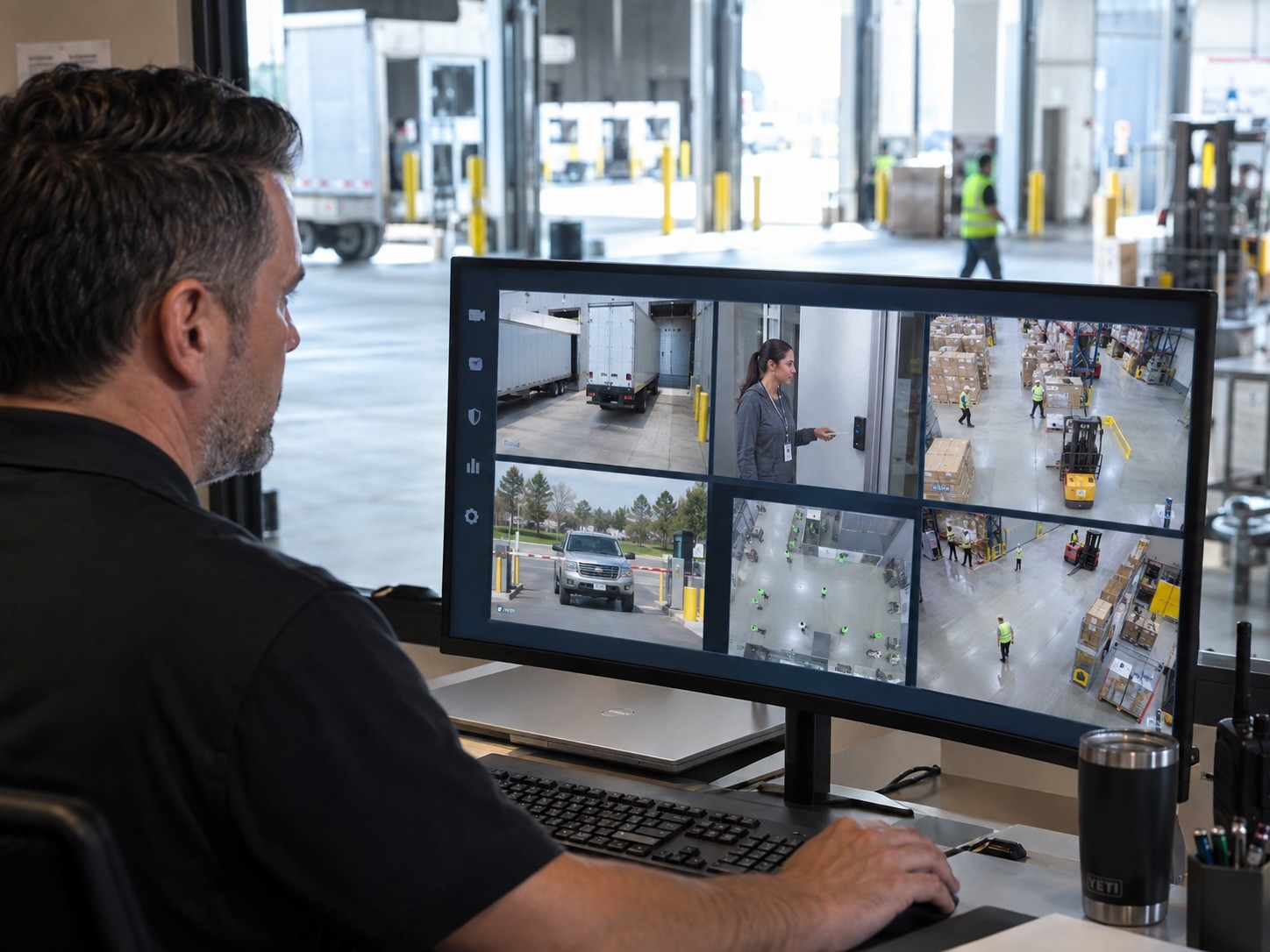
Modern analytics can support people counting, occupancy measurement, heatmaps, vehicle classification, and other forms of activity analysis. These tools can help businesses move beyond anecdotal observations and start identifying patterns.
That can help answer questions such as:
- Why is the employee entrance backed up just before first shift?
- How long are trucks waiting before reaching a loading dock?
- Which entrance receives the most vendor or contractor traffic?
- When does the lobby experience its heaviest traffic?
- Why do deliveries consistently fall behind during certain time periods?
- Where are pedestrians and moving equipment crossing the same paths?
- Is one door repeatedly being propped open or generating access exceptions?
You do not need an elaborate AI initiative to get value from those answers.
Start with a recurring operational problem.
Then ask whether your existing security system can help you see it more clearly.
That is security data analytics applied to a business problem rather than a crime problem.
5. What Happens When Video, Access Control, and Other Systems Work Together?
Individual data points tell part of the story.
Integrated systems provide context.
Suppose a contractor enters a building at 8:13 p.m.
An access control system can tell you which credential opened the door.
Video can show who actually used it.
Visitor records may show why the person was there.
Another camera can show where the contractor went next.
A door event may show that a restricted area was opened 15 minutes later.
Now the business has a timeline instead of several disconnected records.
Platforms such as Avigilon Alta and Unity can associate video with access activity. Verkada similarly combines video, access control, alarms, and analytics within its Command platform.
The point is not that every company needs every feature.
It is that disconnected systems limit what you can learn.
When video, access events, vehicle information, and other data can be reviewed together, teams spend less time reconstructing what happened and more time acting on the answer.
For organizations still relying on traditional timeline scrubbing, AI-assisted search can also reduce the time required to find a specific person, vehicle, or event.
That capability is covered in more detail in Hoosier’s existing guide: AI Video Search for Commercial Properties.
The bigger opportunity here is not simply faster search.
It is giving different teams access to better answers.
Who Should Be Using Security Data Beyond the Security Department?
Security should not become the company’s unofficial analytics department.
But other teams should know what information is available.
Operations teams can use security data to investigate delays, delivery issues, vehicle movement, and recurring workflow problems.
Facilities teams can examine occupancy, traffic patterns, building usage, contractor activity, and recurring access problems.
Safety teams can review workplace incidents, equipment interactions, pedestrian movement, and process compliance.
HR teams may use properly governed footage and access records when investigating documented workplace incidents or supporting training.
IT and security leaders can make sure access, permissions, integrations, retention, and reporting are configured so the information is actually usable.
The most important step is deciding what business question you are trying to answer before buying another technology feature.
Before You Use Security Data Operationally, Set Some Ground Rules
More data is not automatically better.
Businesses should establish clear rules around who can access video and reports, how long information is retained, when employee-specific information can be reviewed, and which teams are authorized to use it.
A few practical questions to address include:
- Who should have permission to search video?
- Who can view individual access activity?
- What information should HR be allowed to use?
- How long should video and access records be retained?
- When should footage be exported?
- Are audit logs available to show who accessed information?
- What privacy expectations have been communicated to employees, visitors, and contractors?
- Which operational reports should use aggregate data rather than individual employee activity?
The objective should be useful visibility, not surveillance for its own sake.
Good security data should help teams answer legitimate business questions faster and more accurately.
Is Your Security System Producing Data You Are Not Using?
Probably.
The bigger question is whether your current system makes that information easy enough to find, connect, and use.
A camera system that records great video but takes hours to search has limited operational value.
An access control system that records every badge event but cannot turn those records into useful information leaves data buried in a log.
Disconnected systems make teams reconstruct incidents manually.
A modern security platform should help your team get answers.
Sometimes that answer is: “Who broke in?”
But increasingly, it may be:
- “Why are trucks waiting so long?”
- “When did that delivery actually arrive?”
- “Which entrance is creating the bottleneck?”
- “What happened before this workplace incident?”
- “Are we using this building the way we think we are?”
That is where security data begins to produce value far beyond crime prevention.
FAQ
What is security data?
Security data is the information generated by systems such as surveillance cameras, access control, license plate recognition, visitor management, alarms, and other connected physical security technologies. It can include video, door activity, occupancy information, vehicle movement, credential usage, alerts, and event history.
How can security data improve business operations?
Security data can help businesses verify deliveries, review vehicle movement, identify bottlenecks, understand facility usage, resolve disputes, investigate workplace incidents, and analyze recurring access patterns. Its usefulness depends on camera placement, system capabilities, configuration, integrations, and the quality of the data being collected.
Can access control data be used for occupancy tracking?
Yes. Some modern access control platforms provide real-time or historical occupancy reporting based on credential activity. However, access events do not always represent exact physical occupancy, particularly when people can exit without presenting credentials or when credentials are shared improperly.
Can security cameras be used for employee training?
Recorded video can provide useful context when reviewing safety procedures, workplace incidents, equipment use, or documented operational problems. Businesses should establish appropriate HR, legal, privacy, and access policies before using footage for employee-specific purposes.
Do I need to replace my cameras to get better security data?
Not always. Some modern platforms and analytics appliances can add search or analytic capabilities to compatible existing cameras. The right approach depends on your current cameras, video management system, access control platform, networking, retention requirements, and the operational questions you want the system to answer.
Turn Your Security System Into a Better Source of Answers
Before adding another camera or buying another software feature, start with the questions your business struggles to answer today.
Where are delays happening?
Which recurring disputes take the longest to investigate?
What information do operations, facilities, safety, and HR teams routinely wish they had?
A Site Security Walkthrough can identify where your current cameras, access control, and other systems are already creating useful information, where visibility is missing, and which upgrades could provide meaningful operational value.
Call Hoosier Security at 317-644-0570 to schedule a Site Security Walkthrough.
From there, we can determine which technologies are worth testing in the Experience Center before you invest.
Your security system should protect your business.
It can also help you understand it.